Monaco editing, every day
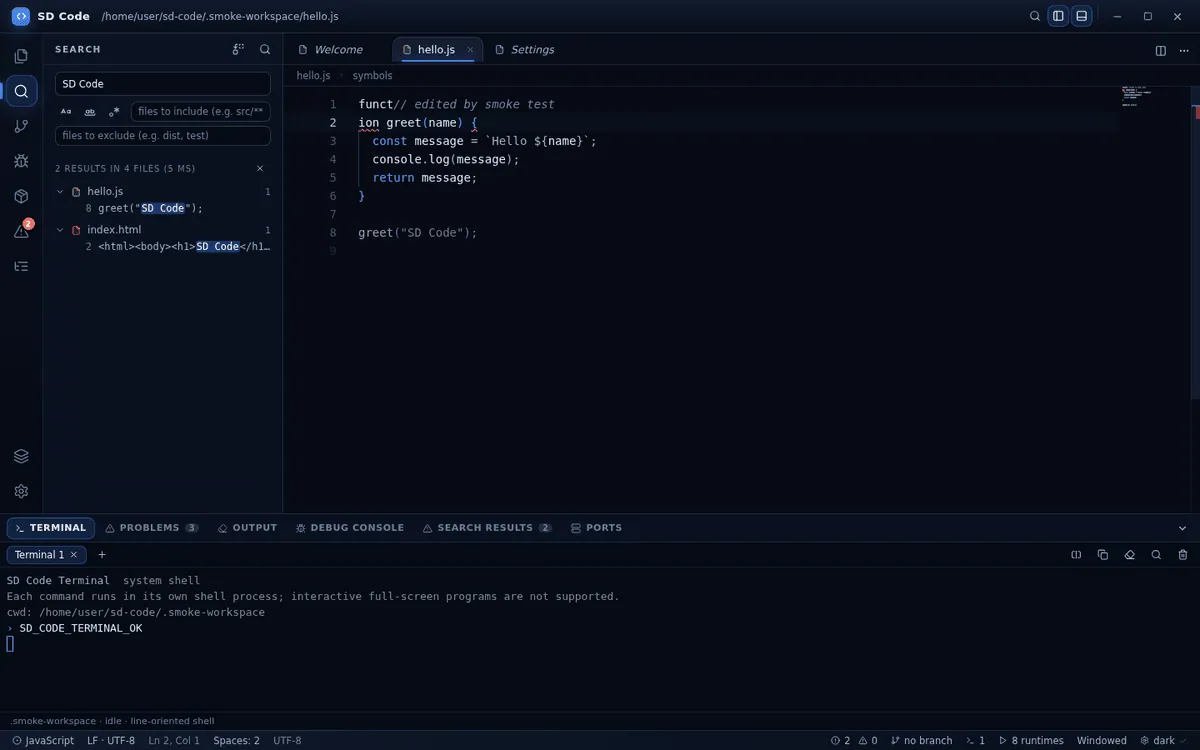
Tabs and splits, multi-cursor, IntelliSense for JavaScript and TypeScript, folding, minimap, bracket guides and a command palette that reaches every action.
SD Code is a desktop editor for Windows 10 and 11 built by Sasa Dev. Monaco editing, a real terminal, Git, a Node.js debugger and local extensions — with a liquid-glass interface in deep blue, black and white.
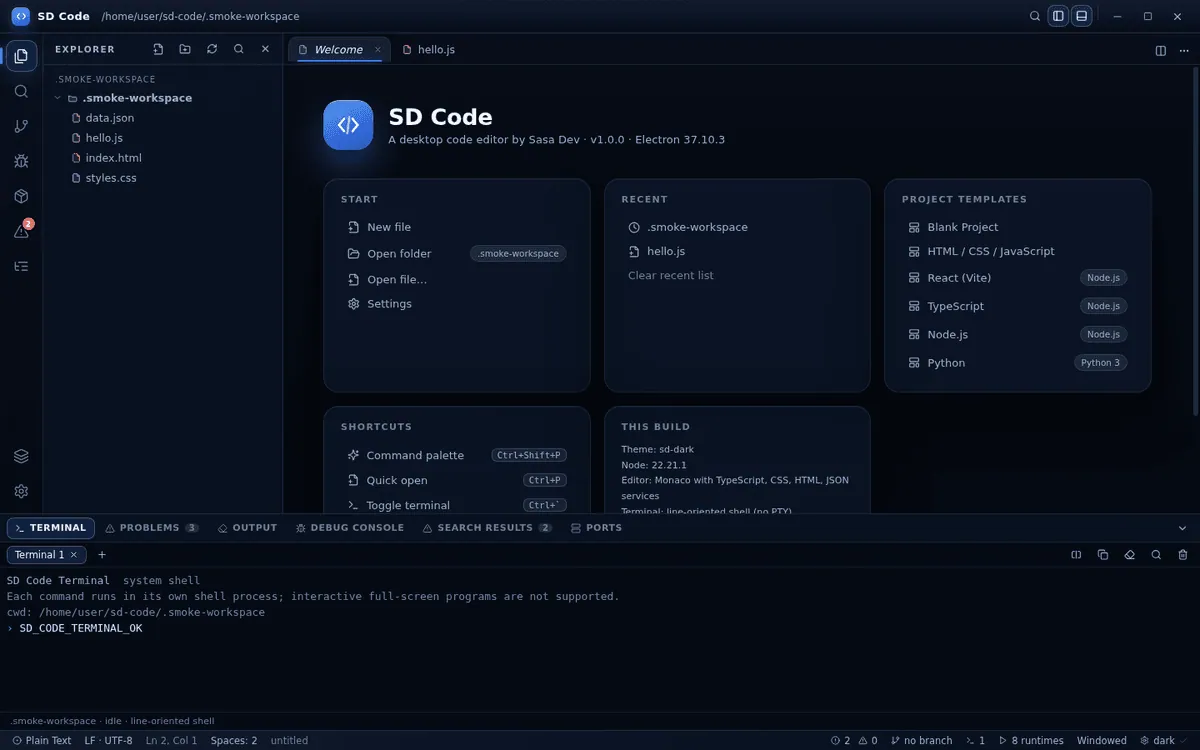
No mock-ups. The editor is Monaco, the terminal spawns your shell, Git shells out to the git binary, and the debugger speaks the V8 inspector protocol.
1
Six things SD Code gets right, and keeps getting right after every release.
Tabs and splits, multi-cursor, IntelliSense for JavaScript and TypeScript, folding, minimap, bracket guides and a command palette that reaches every action.
Every save goes through a validated IPC bridge using an atomic write. Drafts are written to disk while you type, so a crash never costs you work.
Run commands in the system shell with clickable links, unicode-width aware rendering, search and command history. No fake output, ever.
Stage, commit, diff against HEAD, switch branches, stash, tag, pull and push. If git is not installed, SD Code says so instead of pretending.
Breakpoints, call stack, scopes, watches and expression evaluation through the Node.js inspector — with an honest message for every runtime it does not support.
Context isolation on, Node integration off. The renderer sees a narrow typed bridge, every IPC payload is validated, and external links open in your browser.
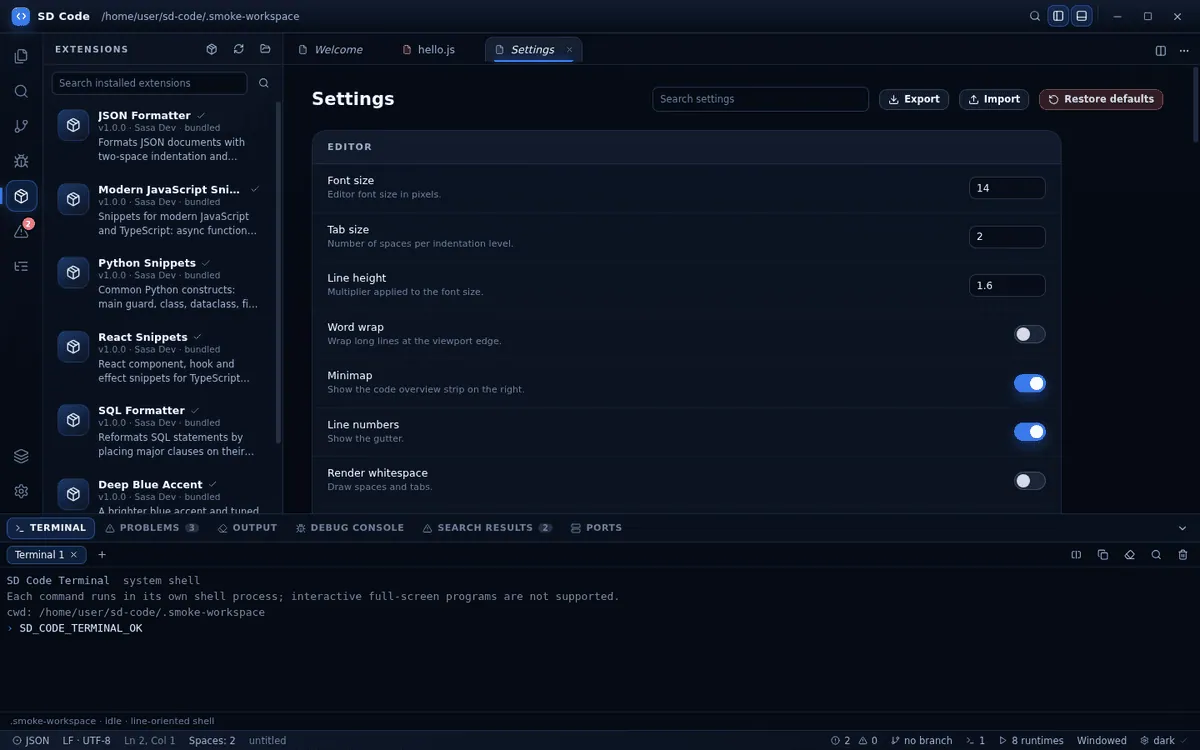
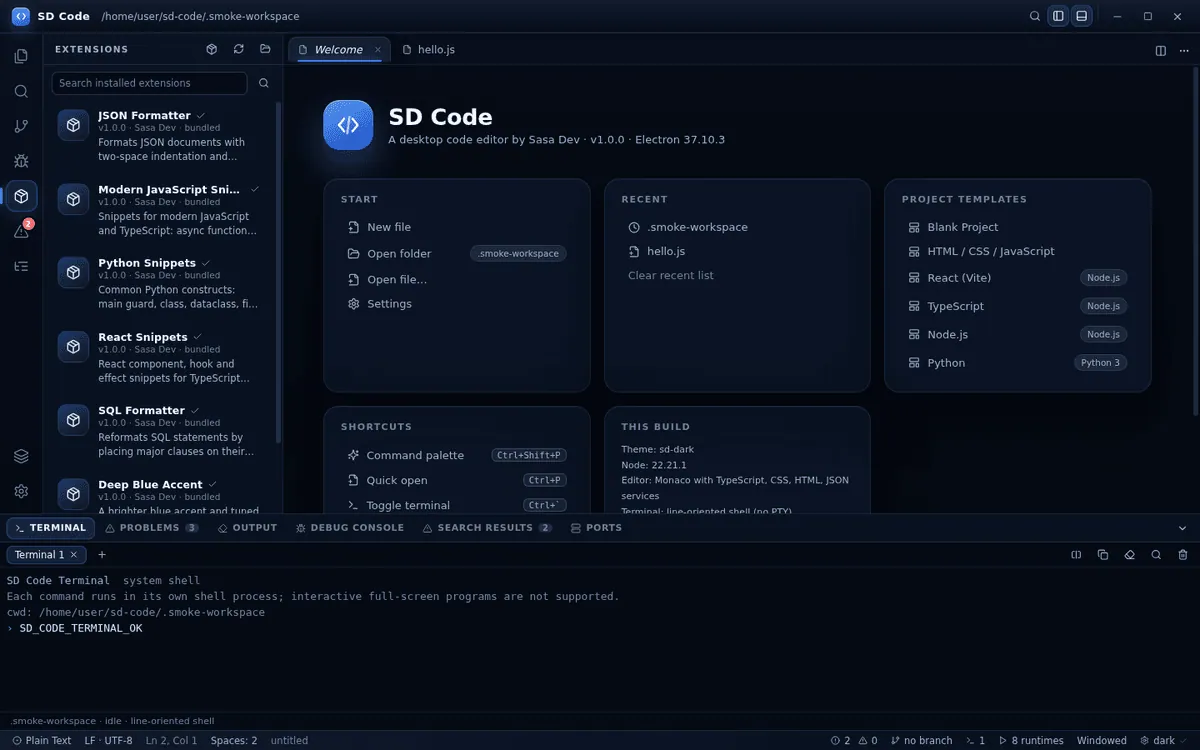
Straight screenshots from the current build, captured during automated verification.
Download the installer, run it, and start editing. Nothing else is required — no Node.js install, no accounts, no licence key.